LED Art Panel
A luminous coding workshop
You can build this LED Art Panel!
Inspired by the work of Jim Campbell, this workshop teaches participants how to solder, connect a microcontroller to a 32x32 LED matrix, and set up a hardware "vibe" coding environment. It's like having your own Salesforce Tower!
The overall goal of the project is to serve as an onramp to creating with hardware, code and AI. It addresses the hurdles of soldering, setting up an AI/Arduino coding environment, and finding methods for getting the most out of AI collaboration.
In this hands-on workshop (no experience needed!) participants:
- Learn how to solder!
- Get to know microcontrollers like the ESP32
- Build a unique lo-res display for their photos and GIFs
- Get an introduction to vibe-coding hardware with AI
- Learn and build alongside the TIAT community!
More importantly, participants take home the panel they build, along with a platform for learning and experimenting with hardware and AI. They can enjoy the LED art panel as it is, or use it as a sandbox for their own art projects, design explorations and AI experiments. It's a platform for absolute beginners and seasoned makers alike.
From the workshop:
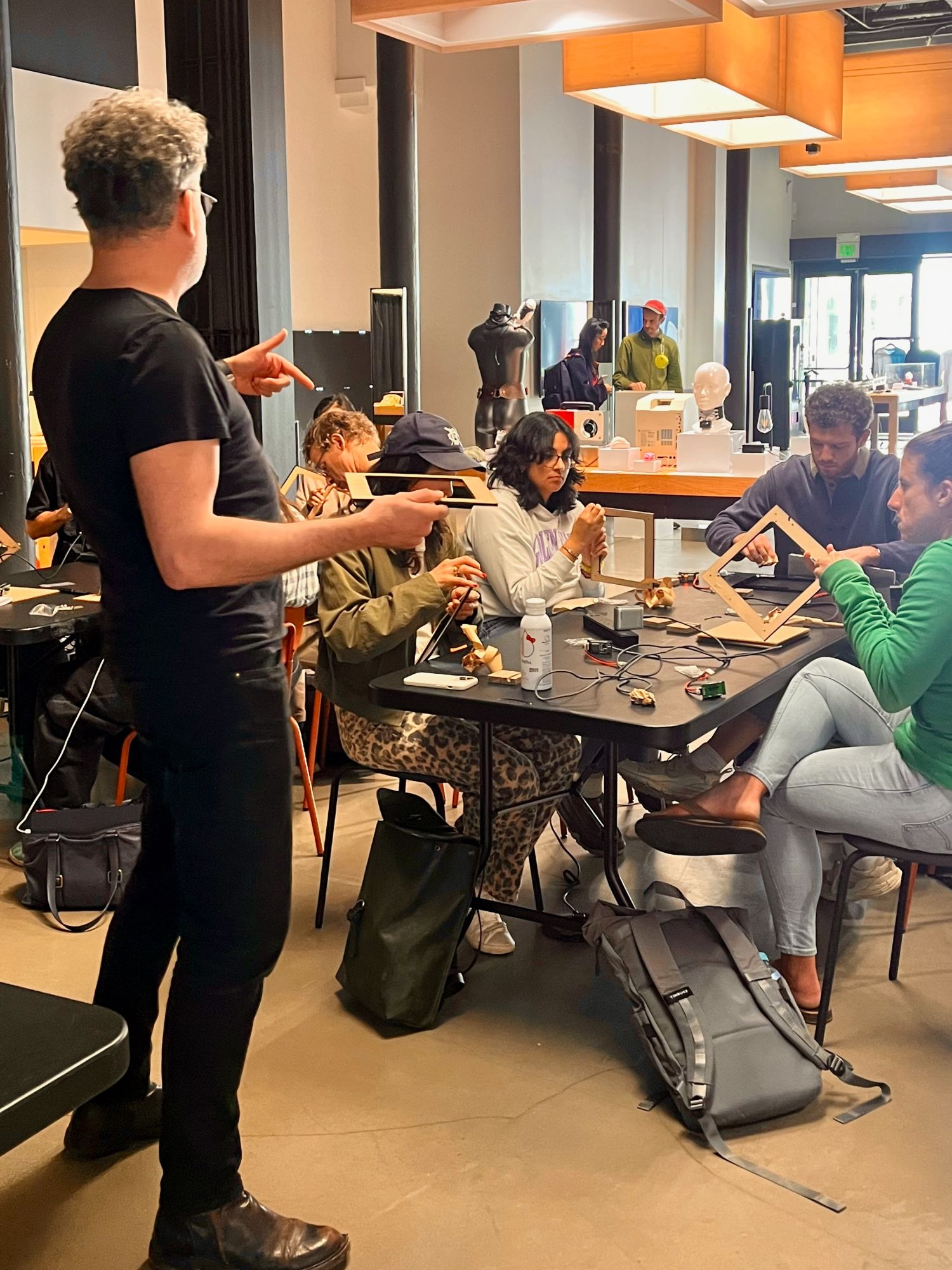
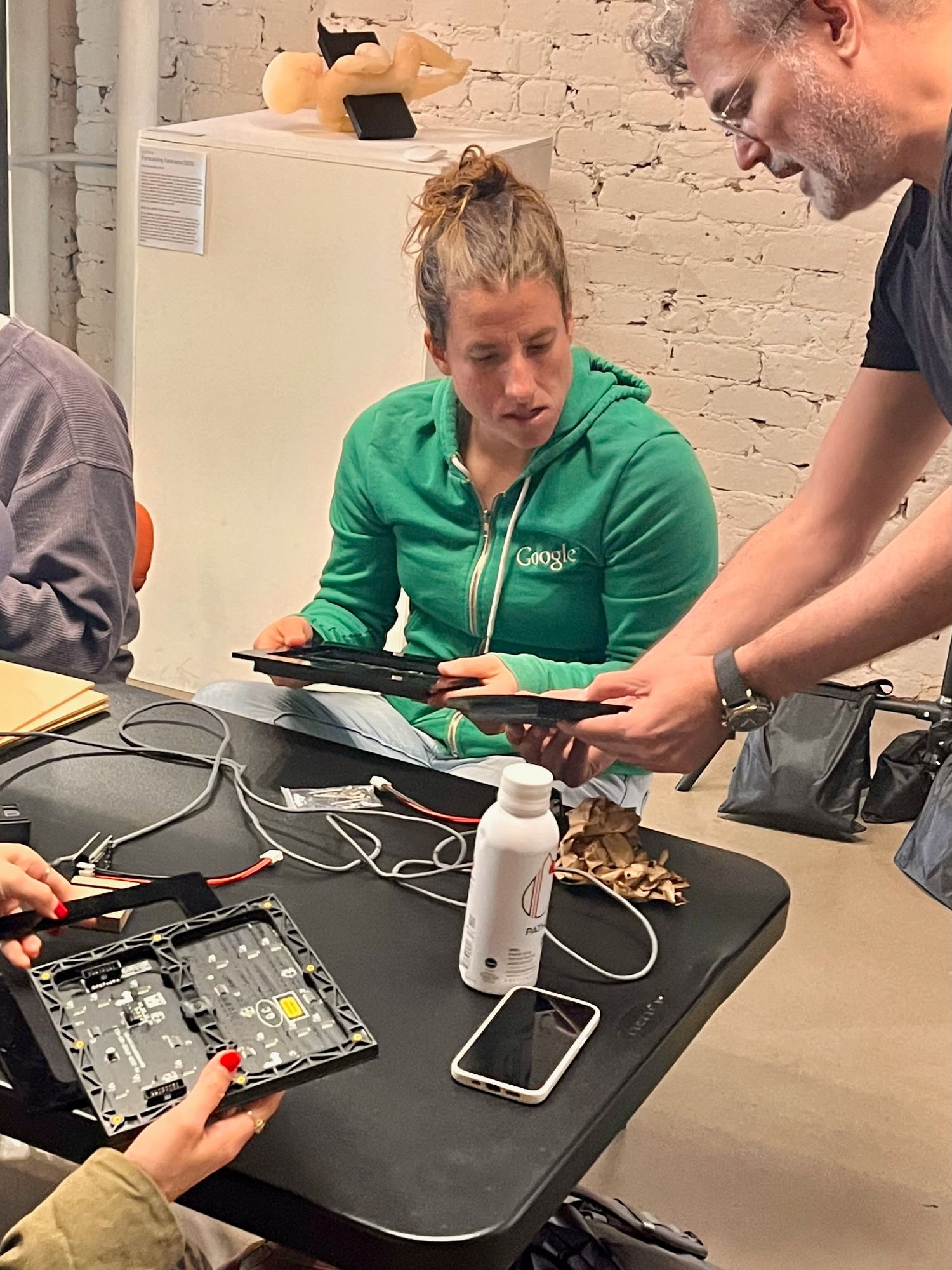
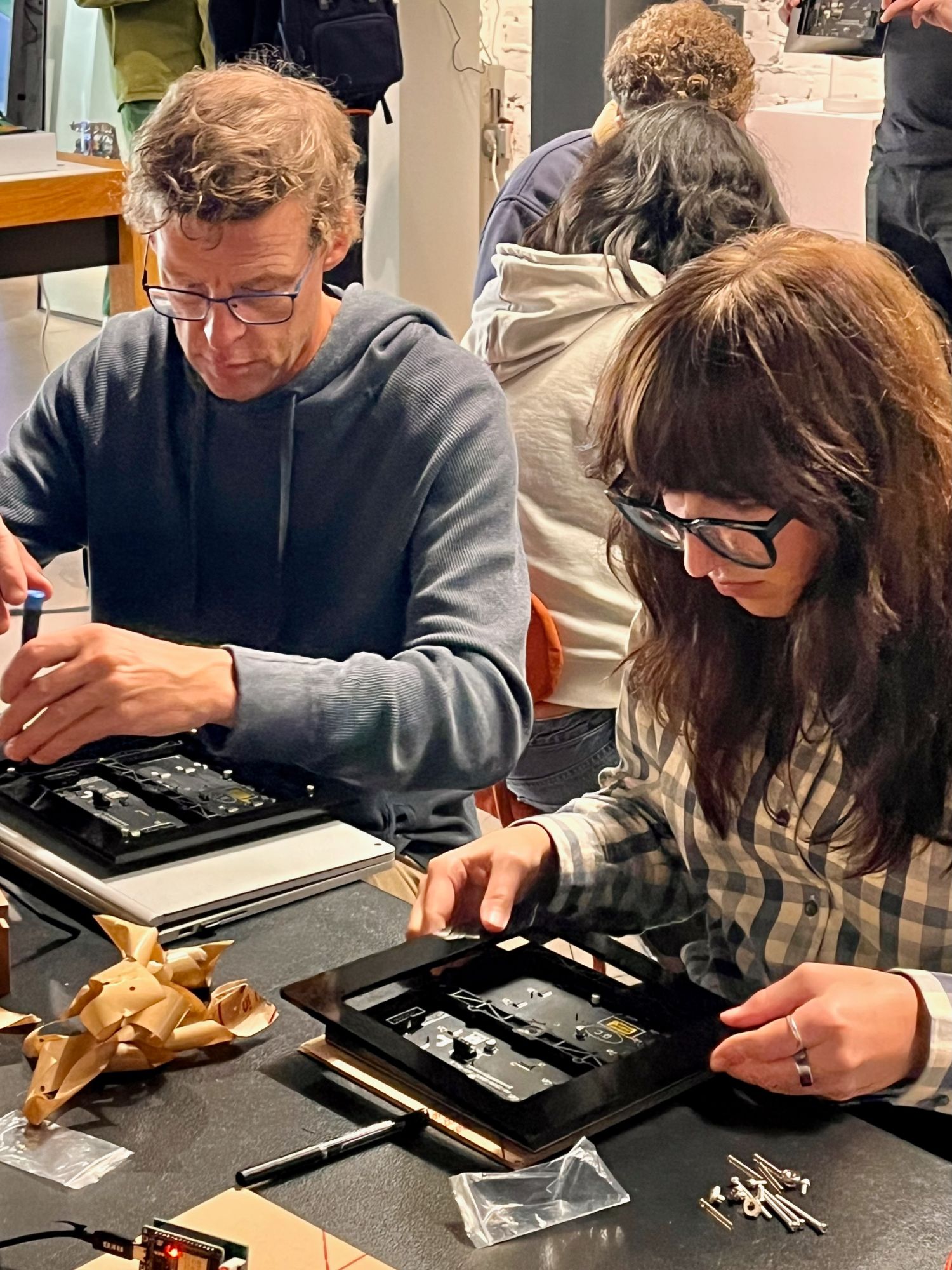
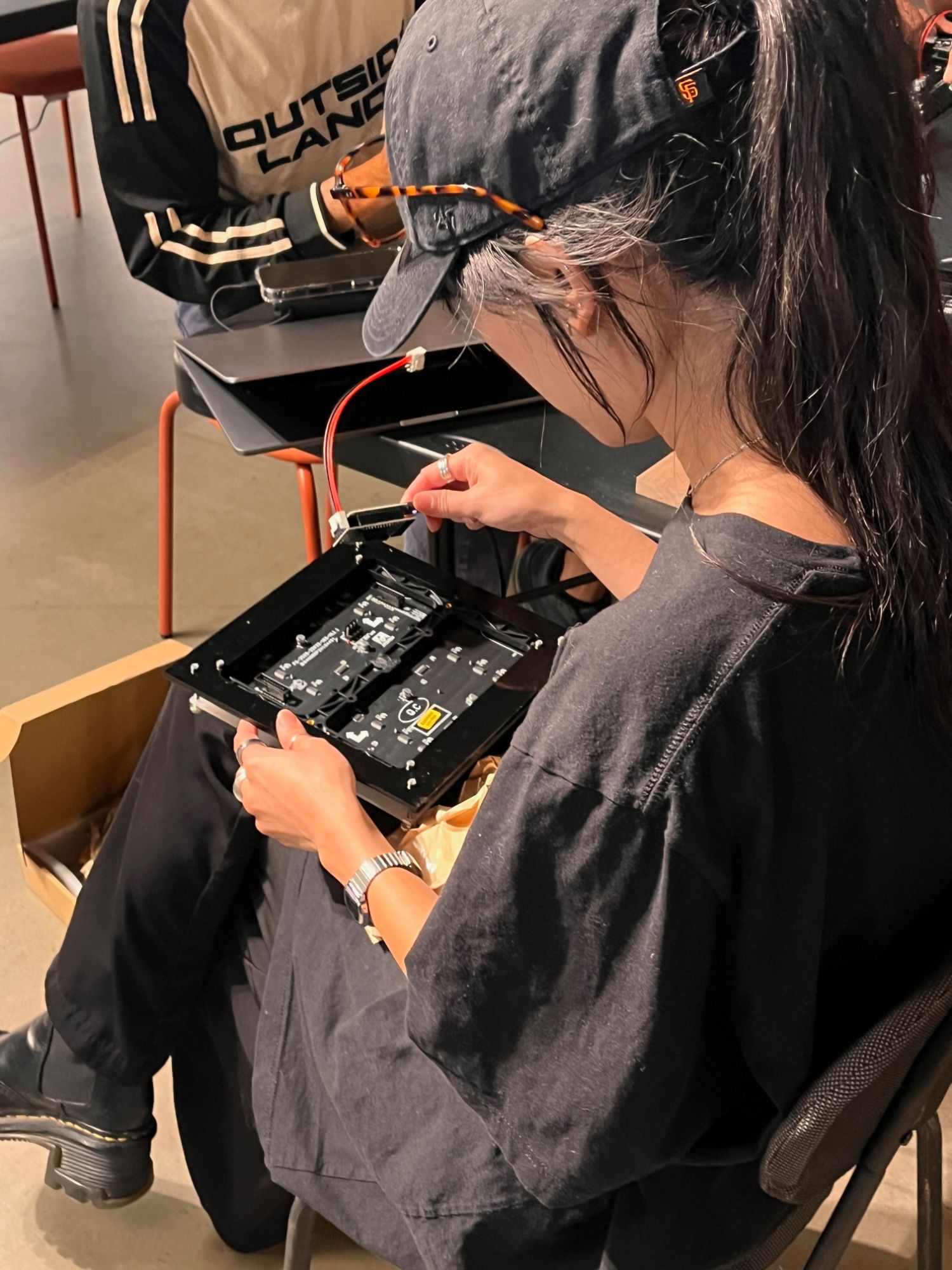
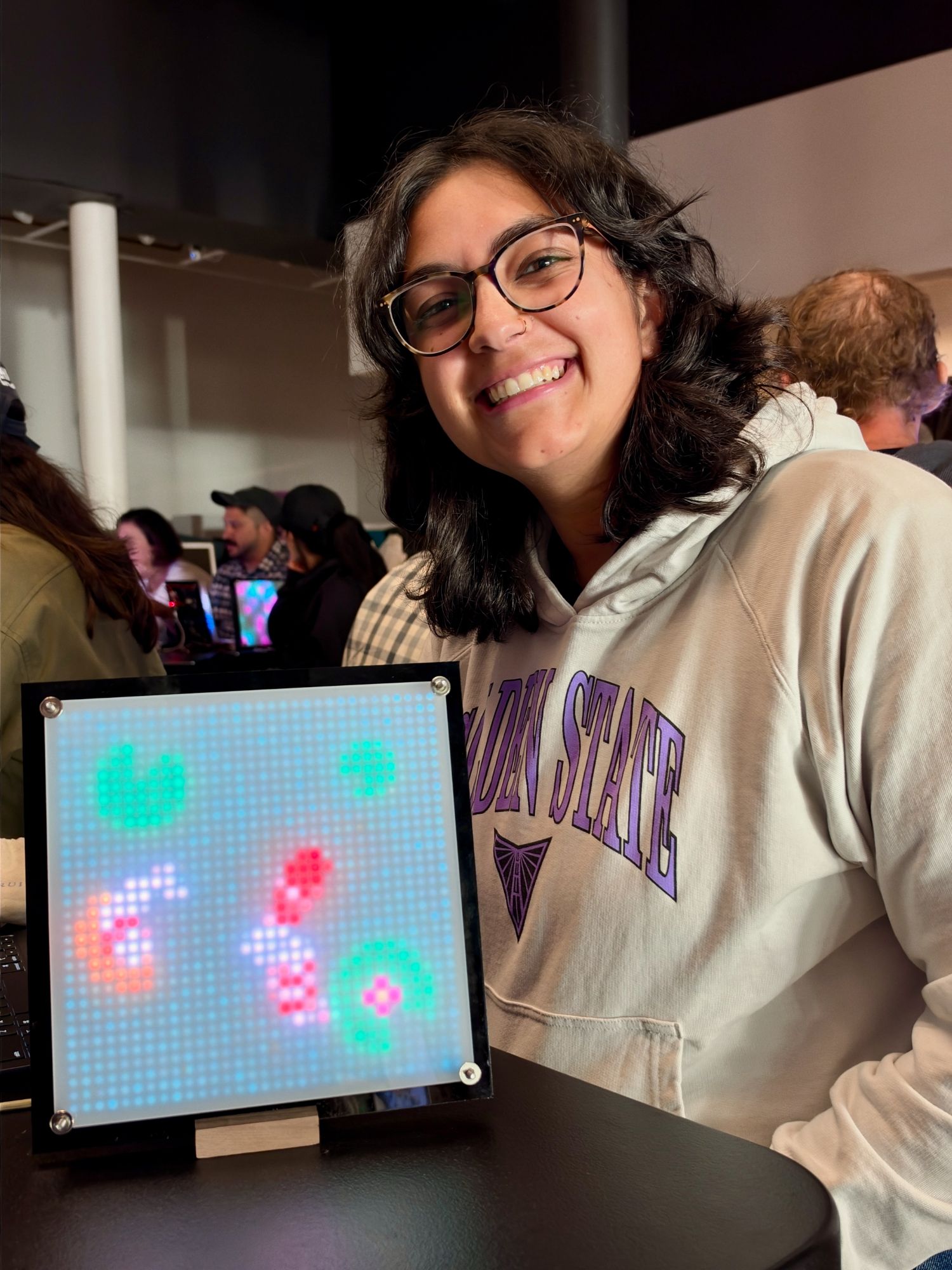
Soldering, assembling, and coding at TIAT.
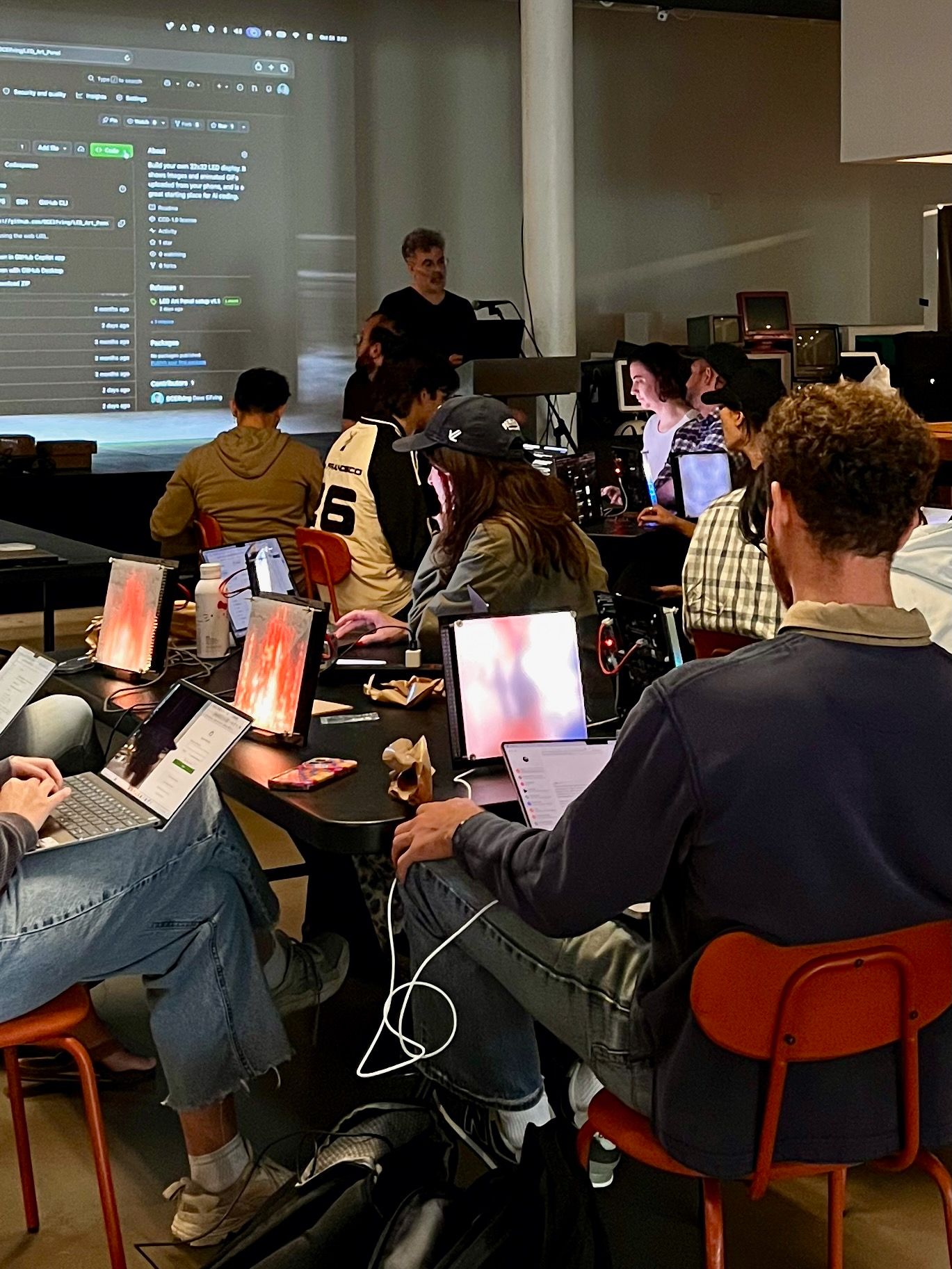
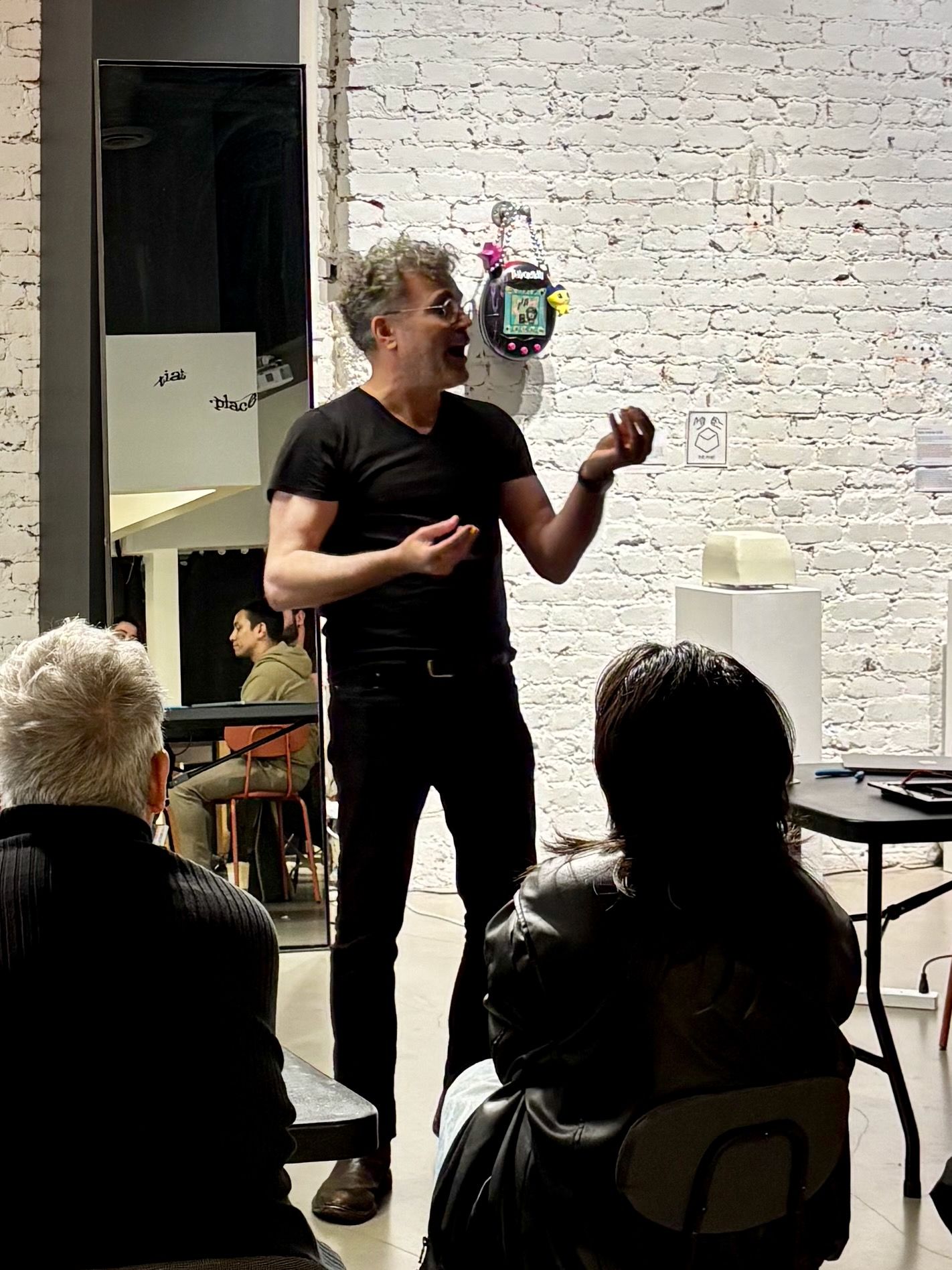
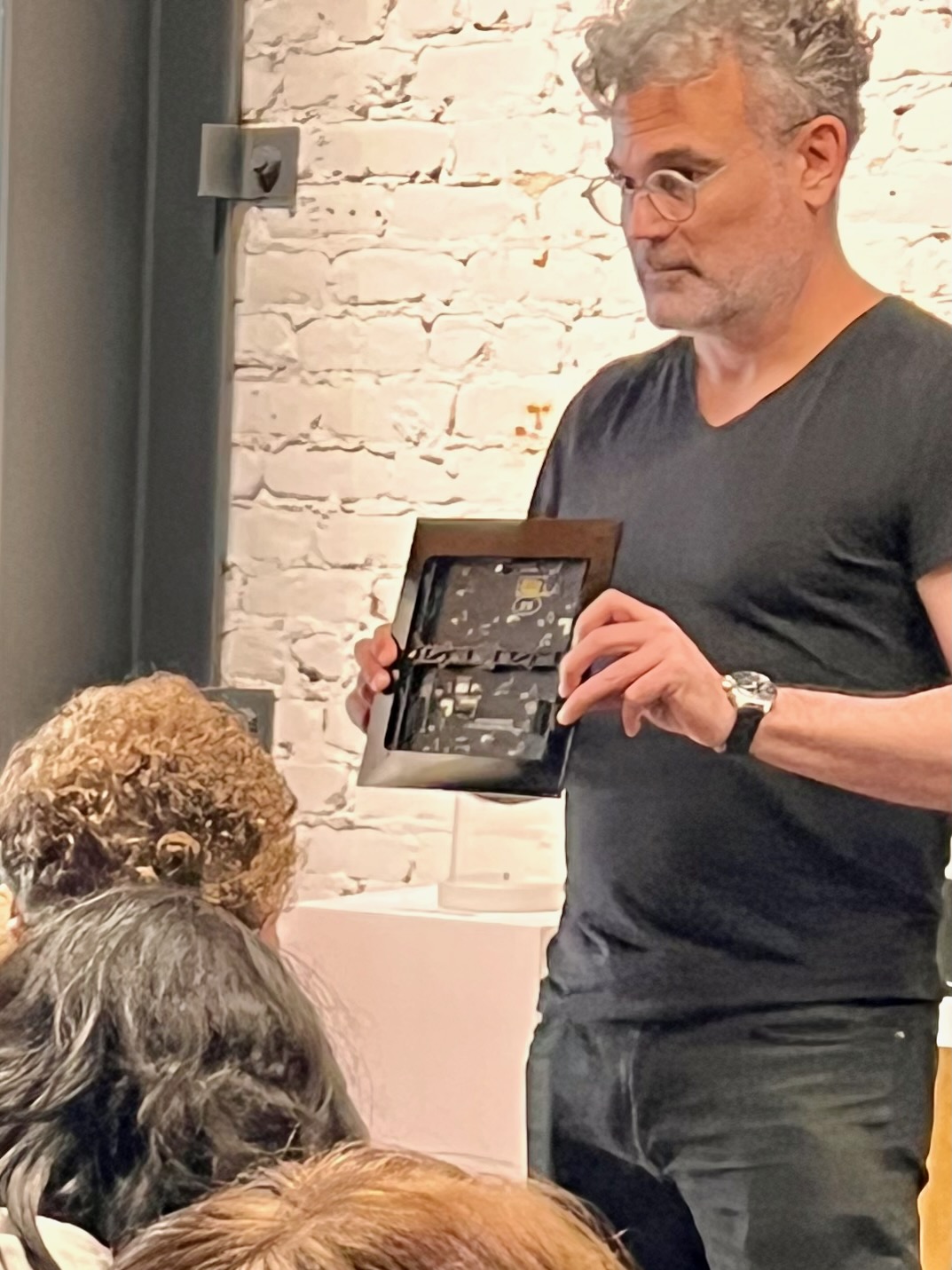
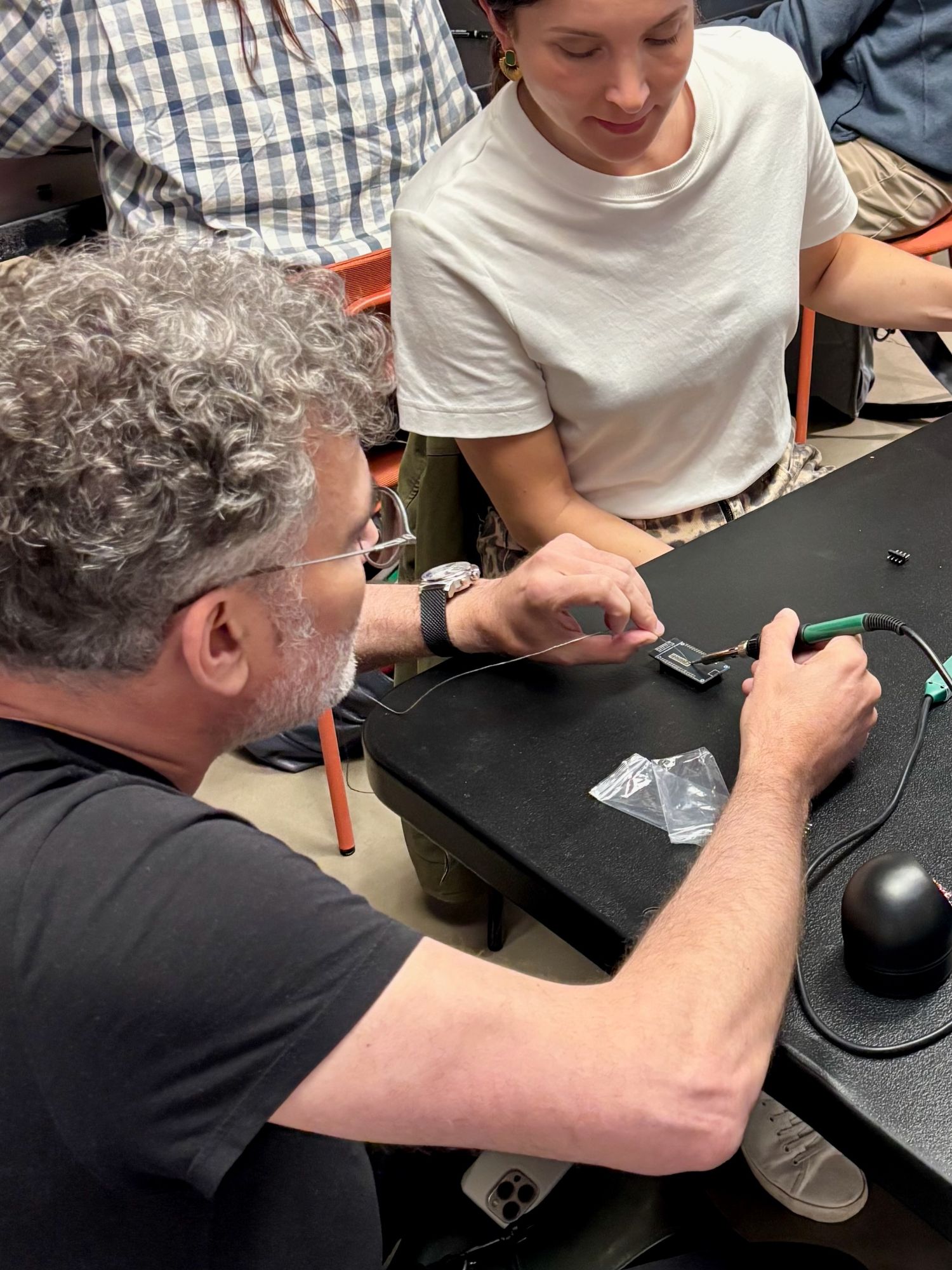
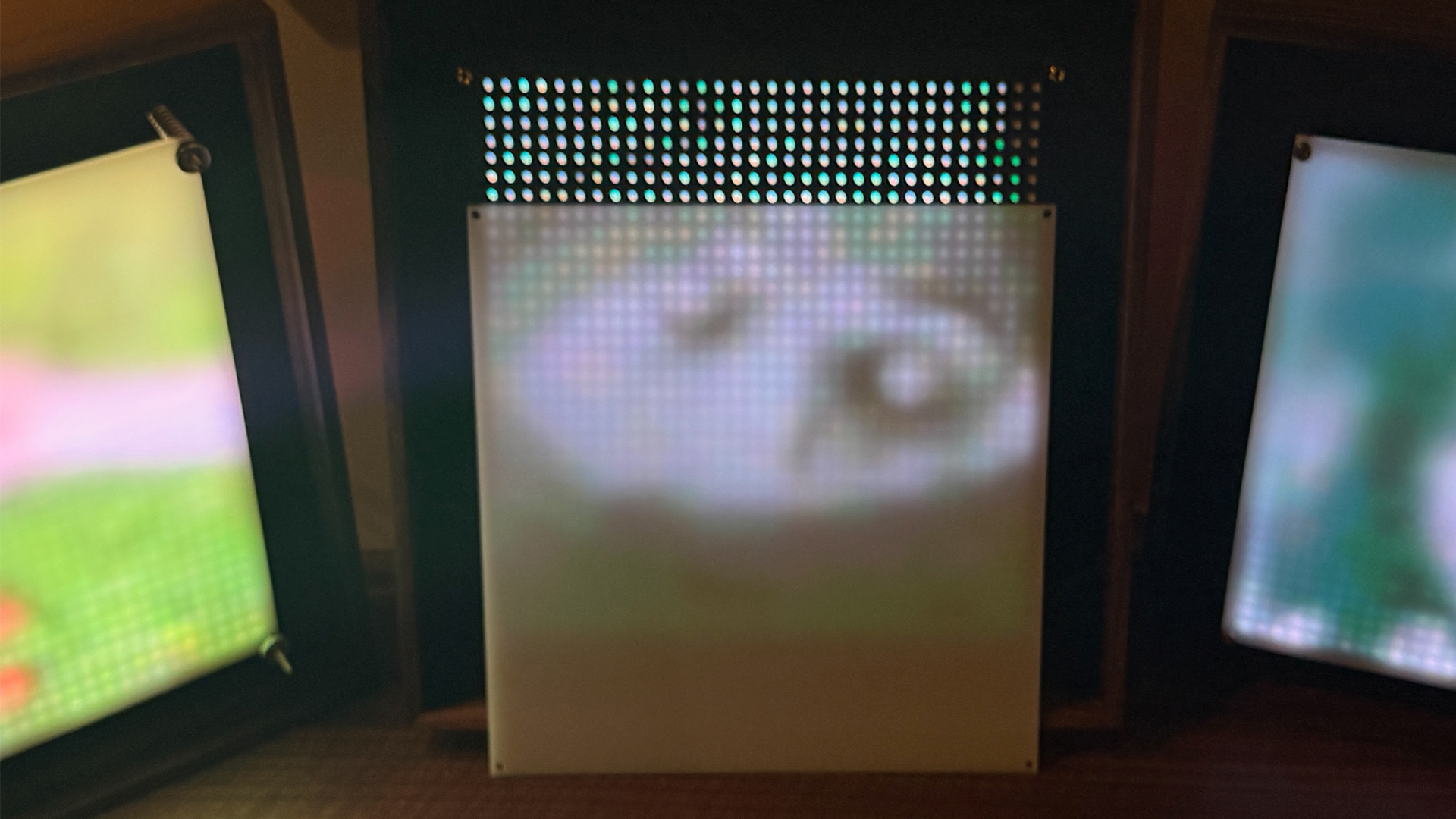
Display your photos and animated GIFs:
Images are automatically compressed to 32x32 pixels when sent to the panel.
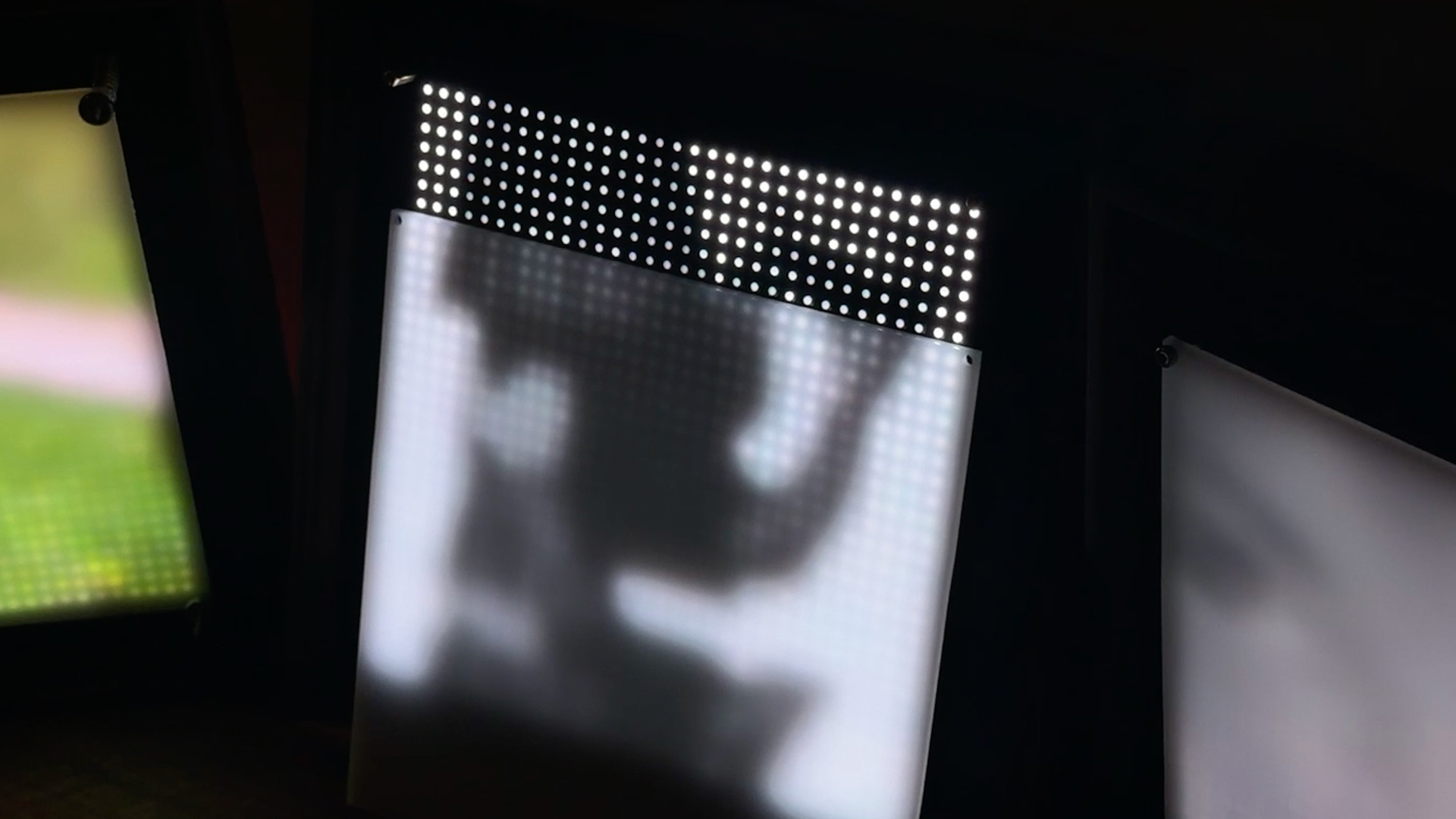
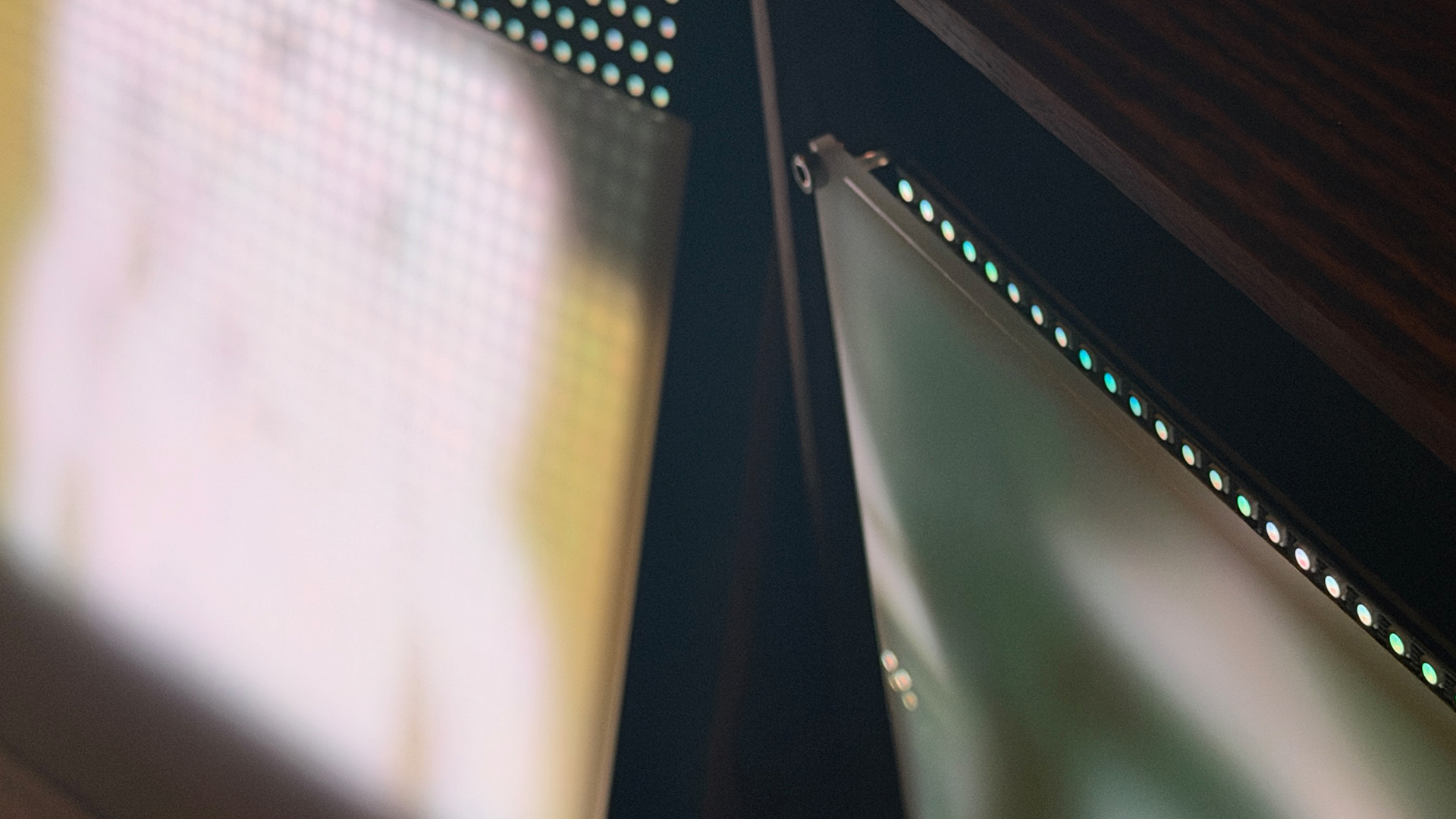
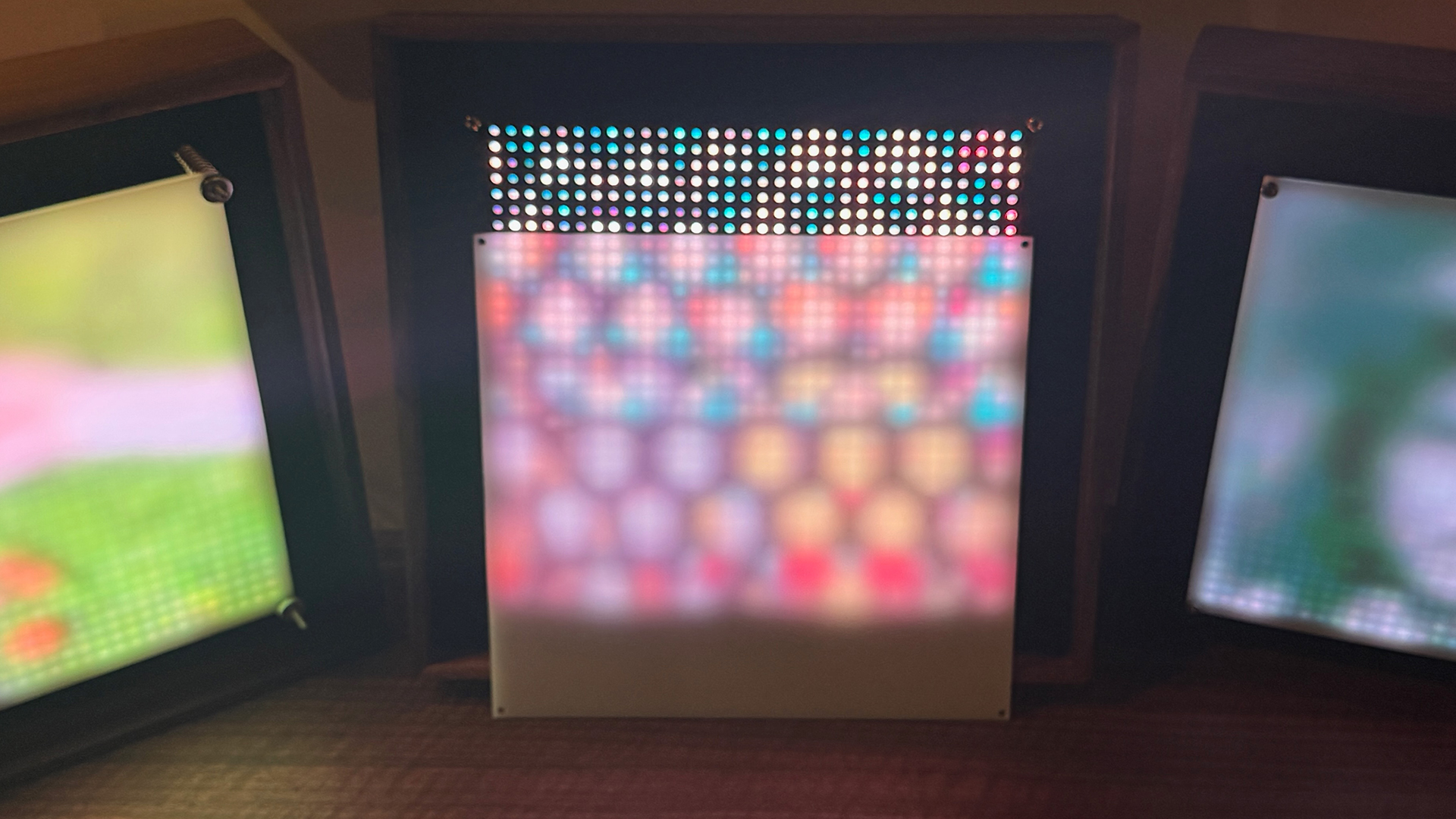
Connect wirelessly with any device:
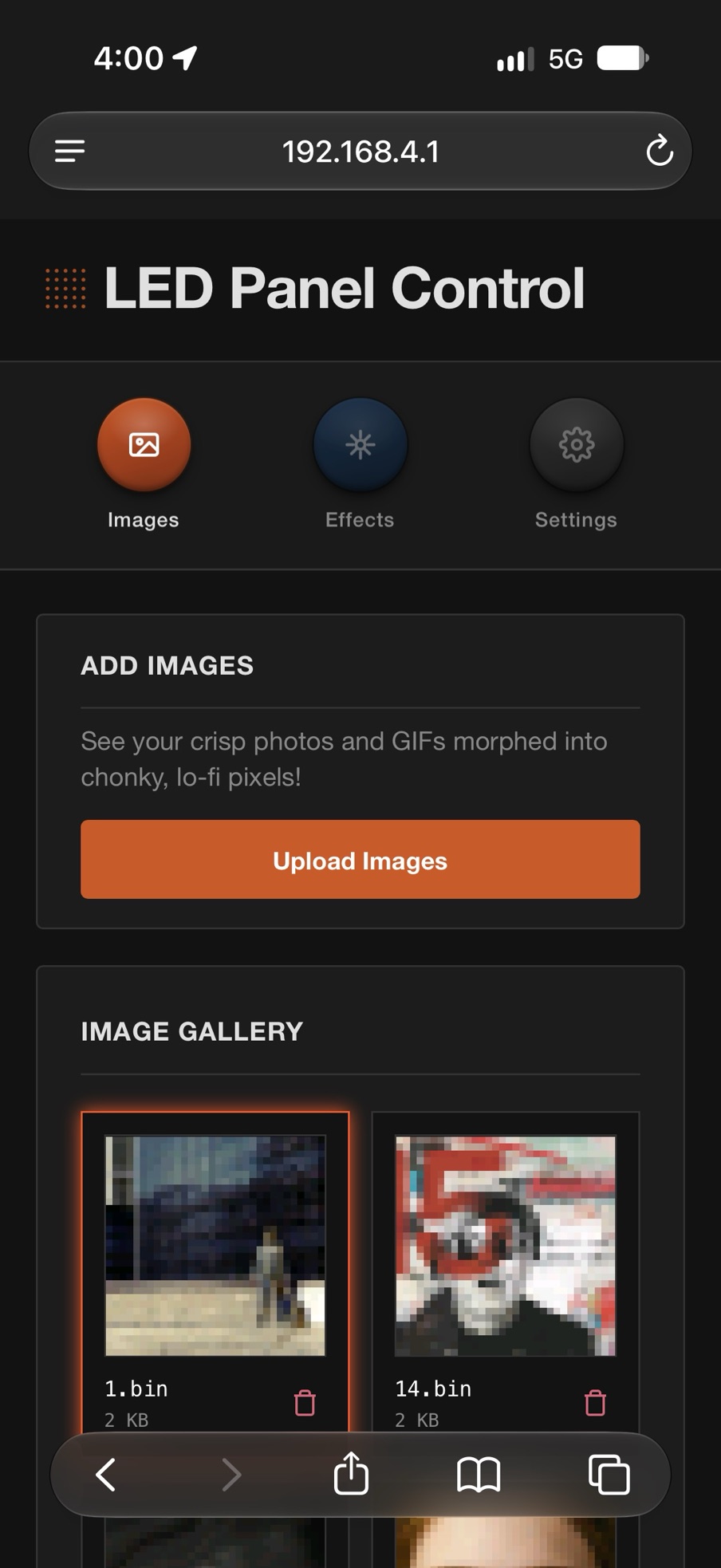
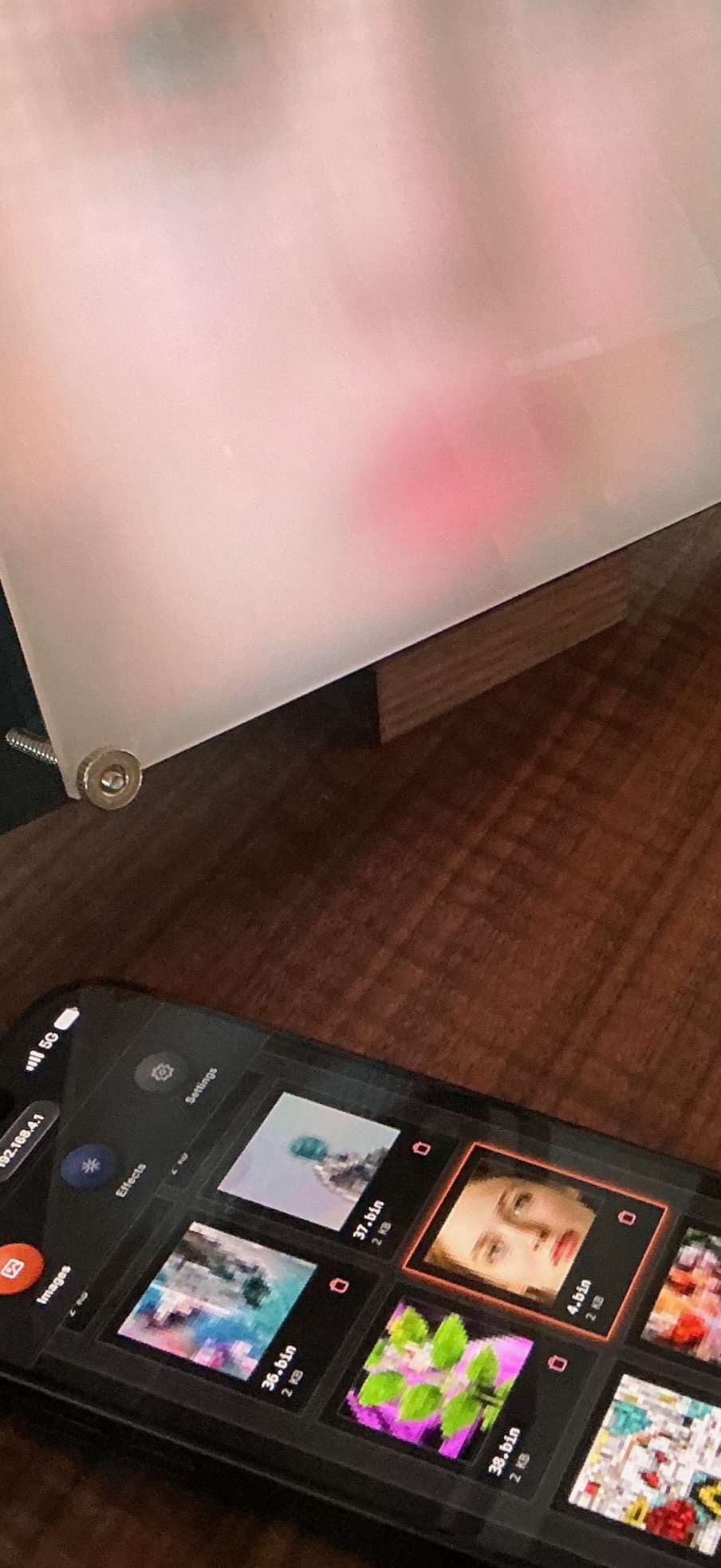
With a direct WiFi connection you can easily add images, adjust brightness and change timing. Adventurous tinkerers might redesign the interface entirely or add new functionality...
All materials and tools provided:
Everything participants need, from soldering irons to screwdrivers.
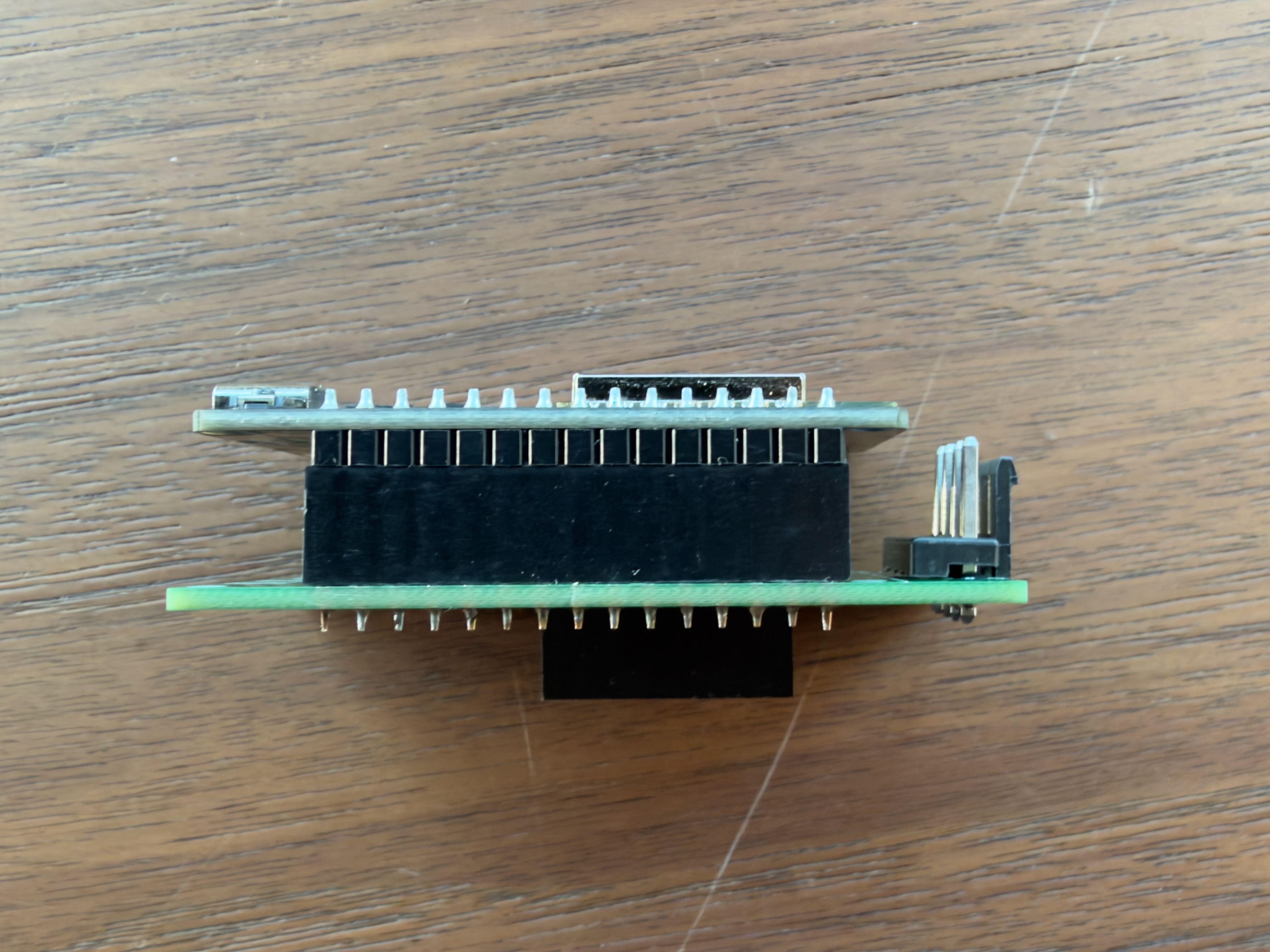
The hardware:
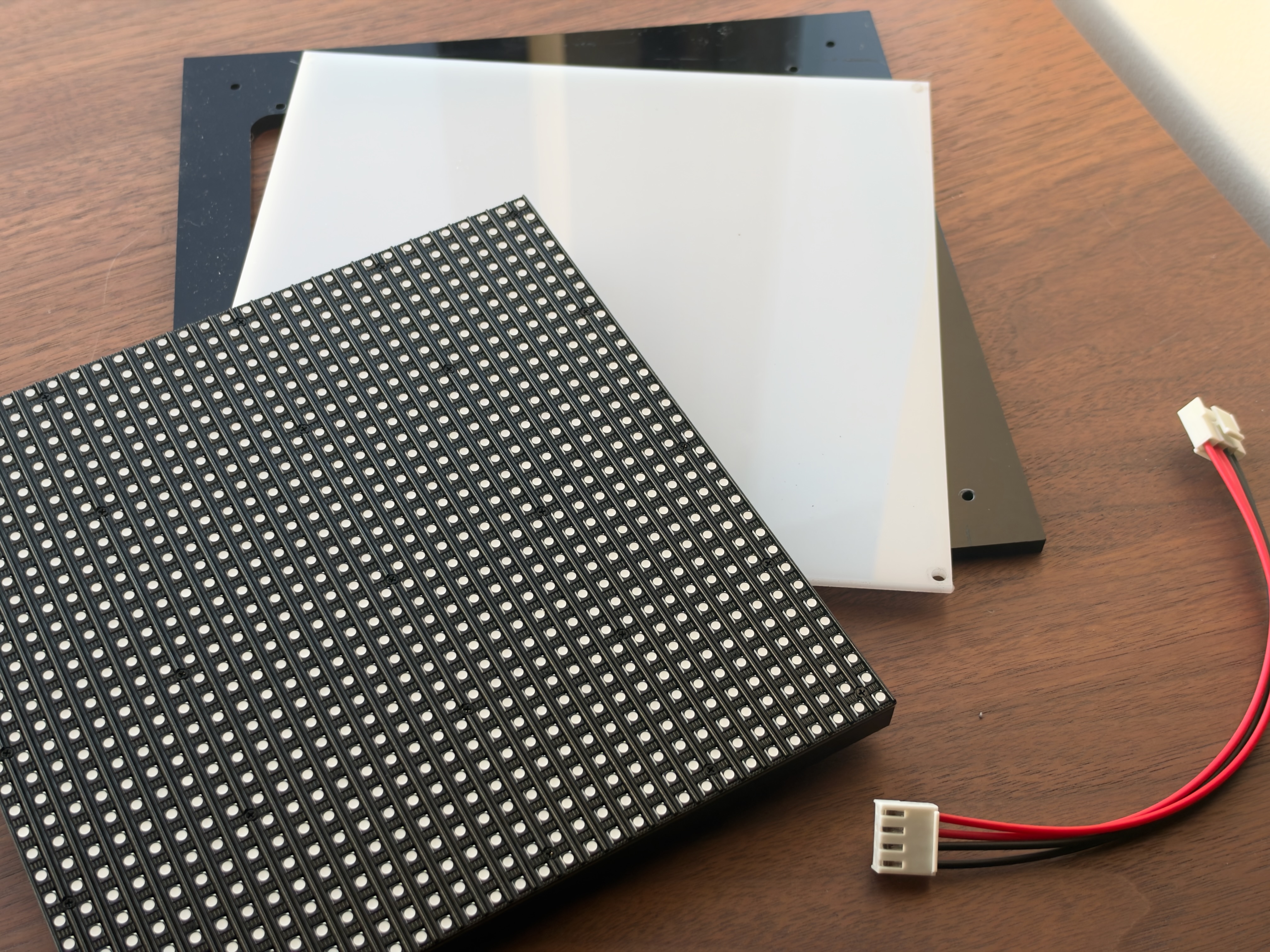
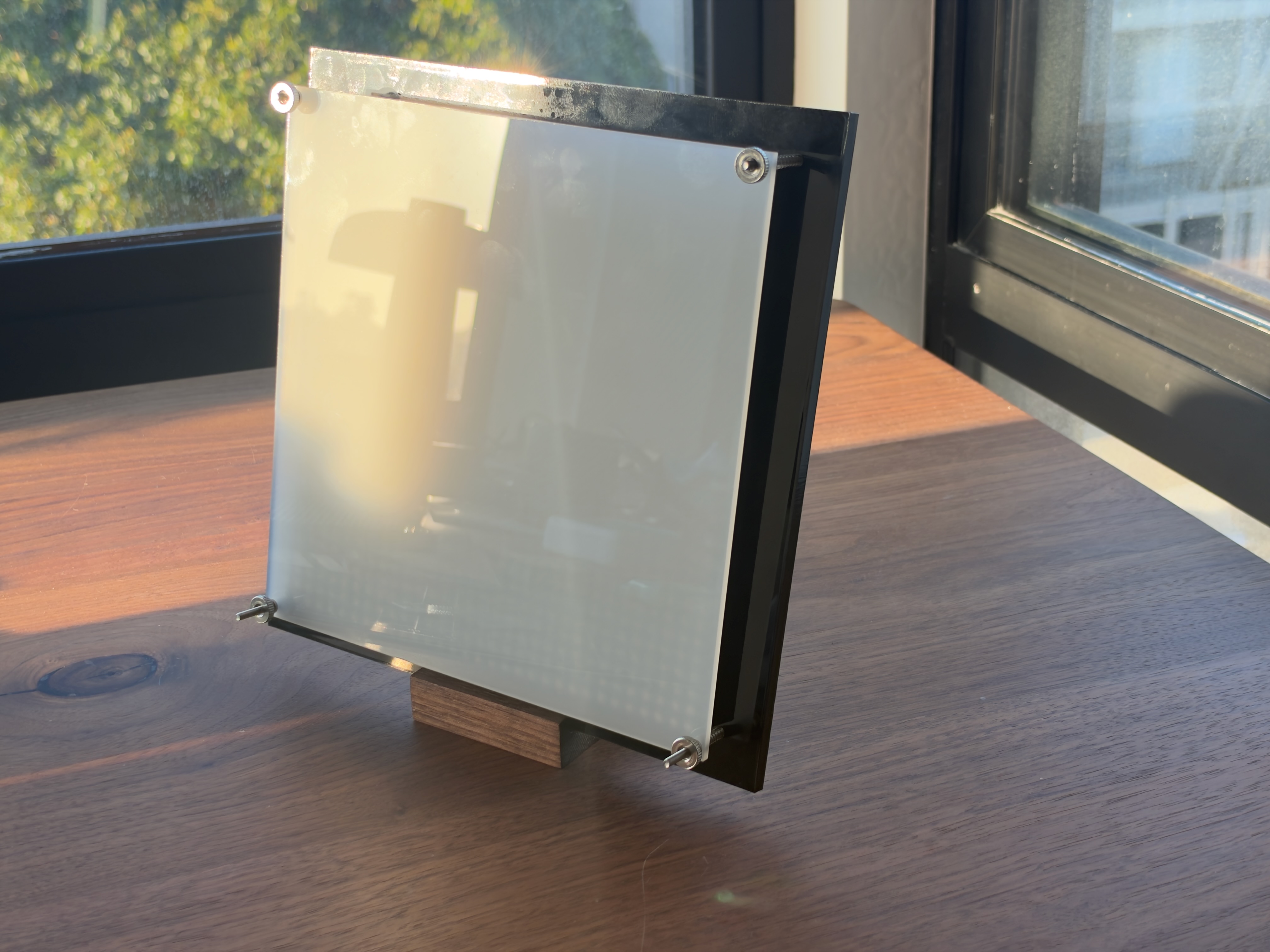
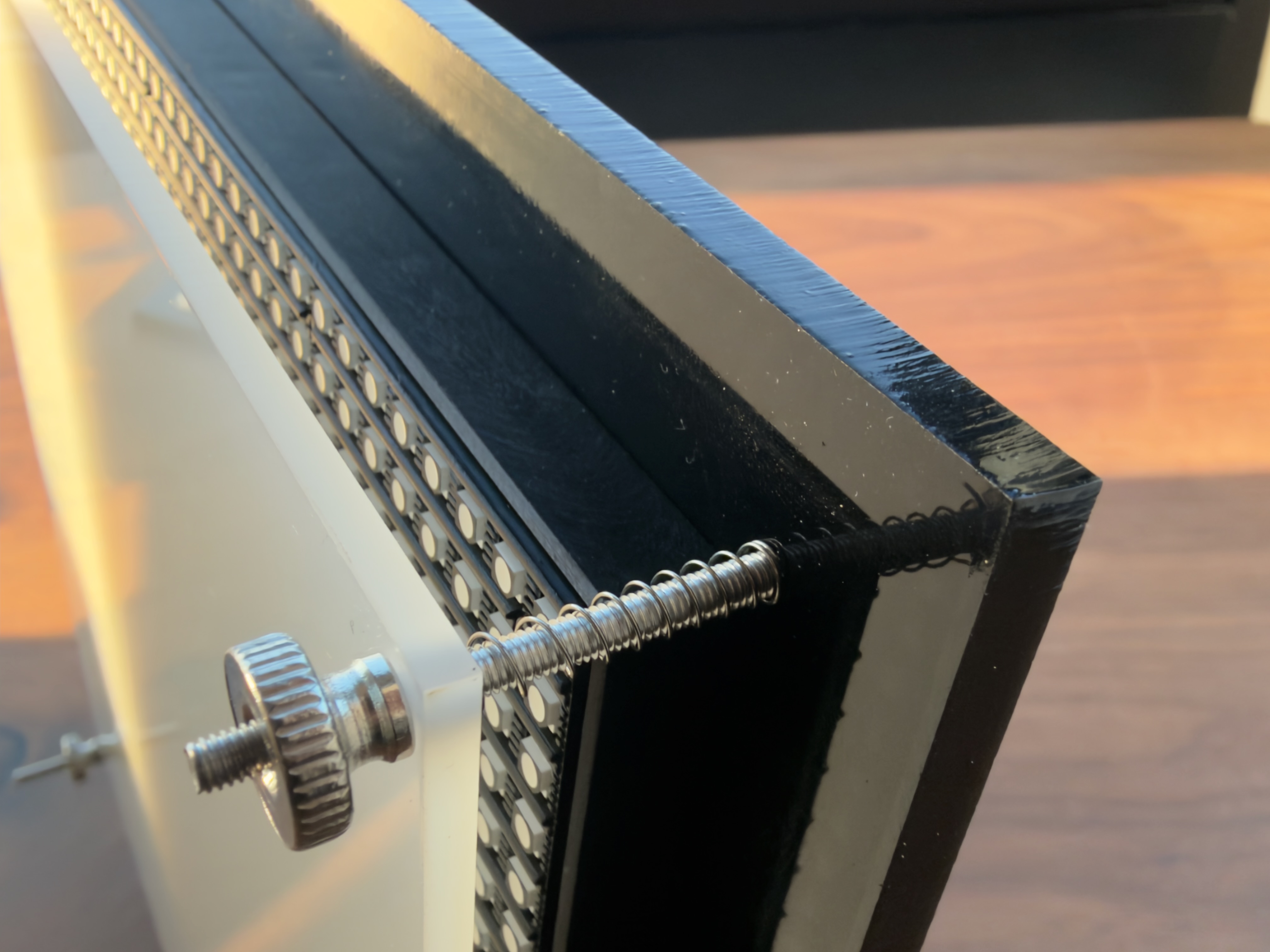
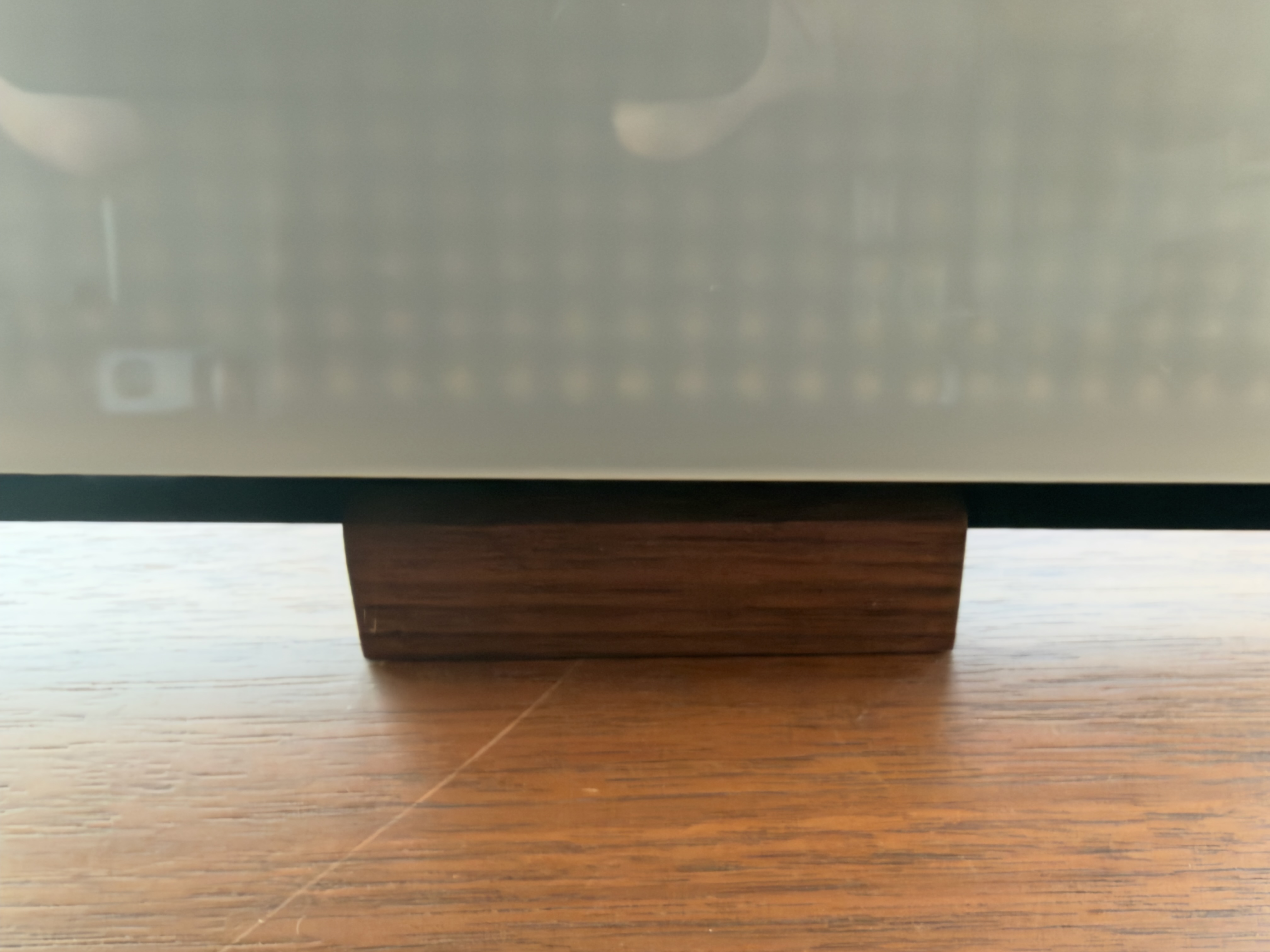
A USB-C ESP32 plugs into a custom PCB that mounts directly onto the HUB75 socket of a P6 32x32 LED panel. The panel sits in a ¼" acrylic backplate behind a ⅛" frosted acrylic diffuser, held by spring-loaded thumb nuts, with an optional wooden stand. See the full bill of materials.
Digital effects and patterns:
The workshop introduces coding with AI, so participants can create their own patterns like these.
Open source:
Everything is open source and available to anyone on GitHub: the code, PCB design, laser-cut templates, bill of materials and step-by-step instructions. It's released into the public domain (CC0), so no permission is needed. You're encouraged to:
- Build your own panel
- Offer your own workshop
- Share it with others
- Remix it into projects of your own